
How to choose a robot vacuum cleaner and mop (2026): a 10-minute checklist
If you are trying to compare robot vacuum and mop combos, the fastest way to buy well is to match the robot to your home (floors, rugs, pets, schedules), then pick the right level of dock automation. For a side-by-side shortlist, use our Robot Vacuum & Mop Comparison Chart (2026).
Disclosure: this article contains sponsored affiliate links on some pages. Affiliate disclosure.
10-minute checklist (printable)
This is the shortest path to a good buy. Do not start with brand names. Start with your home, then choose the robot category that fits.
Floors: mostly hard floors, mostly carpet, or mixed? Mixed homes need solid room mapping and reliable no-go zones.
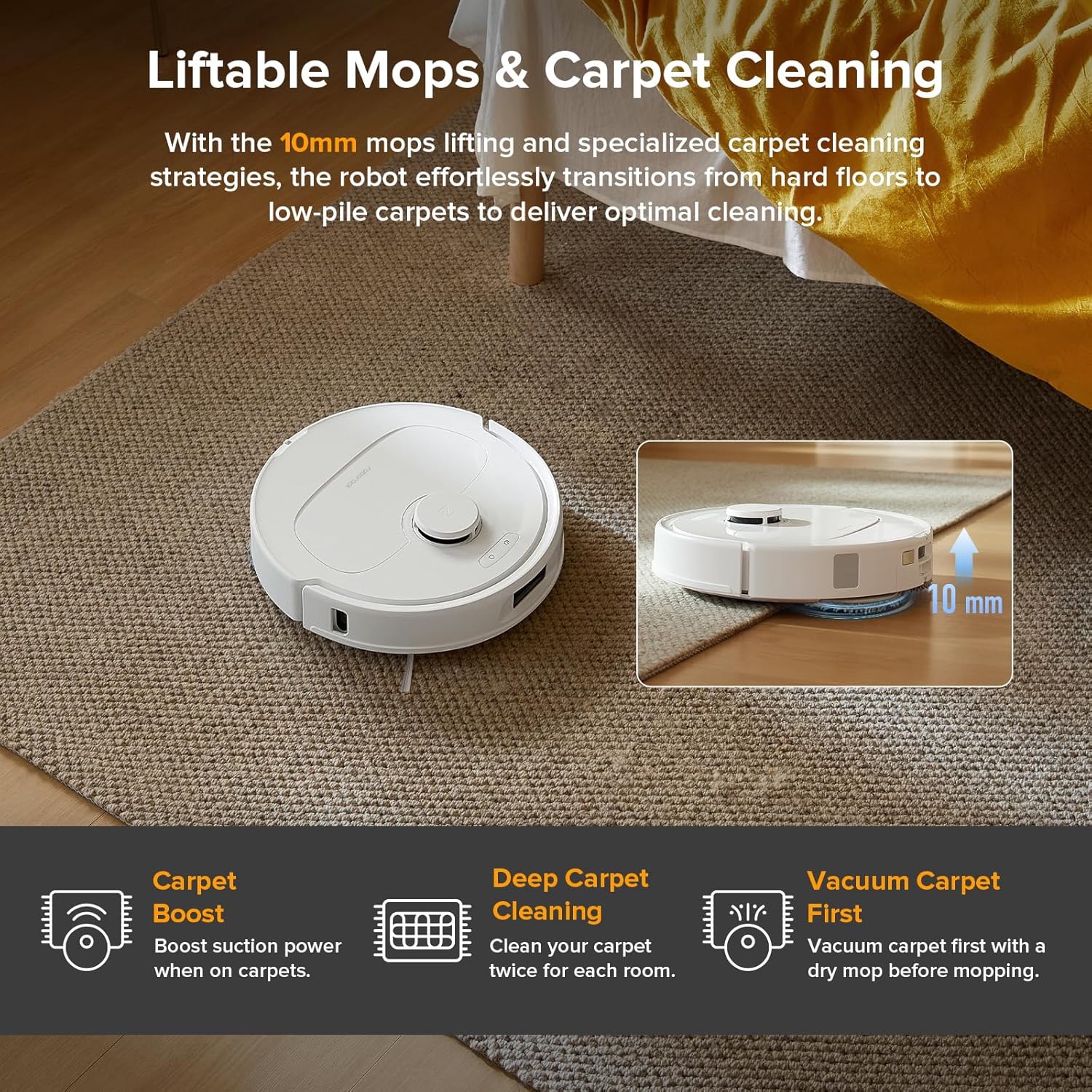
Rugs: will you mop near rugs? Prefer a robot that can avoid rugs while mopping or lift its mop.
Hair: pets or long hair? Prioritize easy brush access and replaceable parts (filters, brushes, pads).
Mopping: light daily maintenance or sticky messes? Most combos are designed for frequent light passes, not deep scrub.
Automation: are you OK emptying a bin and rinsing pads, or do you want the dock to handle more of it (auto-empty, pad wash, pad dry)?
Clutter reality: toys, cords, socks, pet bowls? Plan for a prep pass and strong no-go zones.
Schedules: do you run it early or late? Dock noise and predictable scheduling matter.
Space: docks are bulky. Measure your dock spot before you buy.
If you want a ready shortlist after this checklist, jump to the comparison chart.
Step 1: match the robot to your home
A robot vacuum is not a single product category. It is a routine machine. The right model is the one that can run reliably in your space without constant babysitting.
Hard floors
- Main goal: frequent light cleaning (dust, crumbs, footprints).
- What to prioritize: stable mapping, good edge behavior, and a mop routine you will maintain.
- Common mistake: paying extra for extreme suction when the bigger constraint is mopping hygiene.
Carpet-heavy homes
- Main goal: consistent pickup without hair clogs.
- What to prioritize: brush cleaning access, filter care, and a schedule you can run often.
- Common mistake: ignoring consumables (filters/brushes) then losing performance quickly.
Mixed floors (hard floors + rugs)
- Main goal: reliable room-based routines (vacuum here, mop there, avoid this rug).
- What to prioritize: no-go zones, multi-room control, and a clear rug strategy in mop modes.
- Common mistake: choosing a mop combo without thinking about how it keeps rugs dry.
- If your home is cluttered: prioritize no-go zones and obstacle handling.
- If you have pets: prioritize brush access, filtration, and dock hygiene.
- If you mop often: prioritize pad washing and pad drying workflows.
Step 2: set realistic mopping expectations
Most vacuum + mop robots are designed for maintenance mopping: dust, footprints, and light spills. If you buy expecting “deep mop results” without manual help, you will be disappointed.
Three mopping tiers (what people actually mean)
Wipe pass: light pad drag for daily freshness. Best for hard floors with frequent runs.
Rotating pads: better agitation for footprints and light sticky spots, still not a replacement for a full mop.
Dock-supported mopping: when pads are washed and dried automatically, mopping becomes practical to run often (and odor stays under control).
Rugs and carpets: how the robot keeps them dry
- Avoidance: the robot avoids rugs when in mop mode. Simple, but depends on map accuracy.
- Mop lifting: the robot lifts the mop when it detects rugs. Helpful in mixed rooms.
- Room-based routines: vacuum rugs first, then return to mop hard floors only.
If you are shopping primarily for mopping, read the mopping and dock sections in our comparison chart and prioritize hygiene (wash/dry) over hype.
Step 3: pick the right dock automation
The dock is where “hands-off” lives or dies. The question is not whether the dock is fancy. The question is: how much handling do you want to do every week?
What automation actually reduces work
- Auto-emptying: fewer bin dumps, less dust exposure.
- Pad washing: makes frequent mopping realistic.
- Pad drying: reduces odor and “wet funk” if you mop often.
What still needs you (even with premium docks)
- Brush hair removal and filter care (weekly).
- Wipe sensors and charging contacts (weekly).
- Dock tray cleaning and tank hygiene (regular).
- Consumables replacement (pads, filters, bags if used).
If you want a dock-forward pick, see the iRobot model section in the comparison chart.
Step 4: hair, brushes, and filters
Hair is the #1 real-world performance killer. The best robot is the one you can maintain quickly. If you dread cleaning it, it will stop working well.
Brush access checklist
- Can you remove the main brush without tools?
- Can you open end caps to remove wrapped hair?
- Are replacement brushes and filters easy to find?
- Is the filter washable or tap-only (check the manual)?
If pets are a big part of your reality, use the dedicated guide: Robot vacuum + mop for pets (2026).
Maintenance cost (the hidden budget)
The sticker price is not the total cost. Filters, brushes, pads, and sometimes bags are the long-term reality. The right way to think about it: your maintenance time plus your consumables cost.
Maintenance cadence (baseline)
- Weekly: remove hair from brushes, clean filter, wipe sensors.
- Monthly: deep clean wheels/brush housing, rinse non-electronic parts, clean dock tray/tanks.
- As needed: replace filters/brushes/pads (follow your manual and usage).
Use our full checklist here: Robot Vacuum & Mop Maintenance Guide (2026).
Apps, privacy, and what to check
Most robots require an app for maps and schedules. Before you commit, check what is required to use core features and what permissions the app asks for.
- Accounts: do you need an account to schedule and map?
- Wi-Fi: some models are 2.4 GHz only; confirm before you buy.
- Updates: firmware updates can change behavior. Keep an eye on release notes.
What to ignore in marketing
Many listings are optimized for clicks, not clarity. Here is what tends to mislead buyers.
Extreme suction multipliers: they rarely predict your outcome as well as brush design and maintenance.
“Mops like a human” claims: most robots do maintenance mopping. Expect improvement, not magic.
Gigantic map counts: most people need stable room names and zones more than many maps.
Bundles: accessories can differ by region and bundle. Always check what is in the box.
Validate your choice (first-week test plan)
A robot should earn its spot. Use the first week to validate mapping, dock workflow, and whether maintenance is realistic for you.
- Day 1: map the home, name rooms, add no-go zones for cords and bowls.
- Day 2: run a full vacuum pass. Check edges and where hair collects.
- Day 3: run mop-only in one room. Check how it handles rugs and transitions.
- Day 4: test the dock workflow (emptying, washing, drying) and note the noise.
- Day 5: do a 5-minute maintenance cycle. If it feels painful, it will not last long-term.
- Day 6-7: schedule the routine you actually want (time of day, room order, frequency).
Next steps: picks + pet guide + reviews
FAQ
Are robot vacuum and mop combos worth it?
They are worth it if you will run them frequently. They excel at maintenance cleaning (dust, crumbs, footprints) but they do not replace deep mopping or manual edge and corner work.
What matters more: suction, navigation, or the dock?
For most homes, navigation and routines matter more than raw suction. If you plan to mop often, the dock workflow (washing and drying pads) matters as much as navigation.
Can a robot mop replace a traditional mop?
Most robot mops are designed for frequent light passes, not deep scrubbing. They can reduce how often you mop manually, but they will not replace it for sticky spills, grout, or heavy soil.