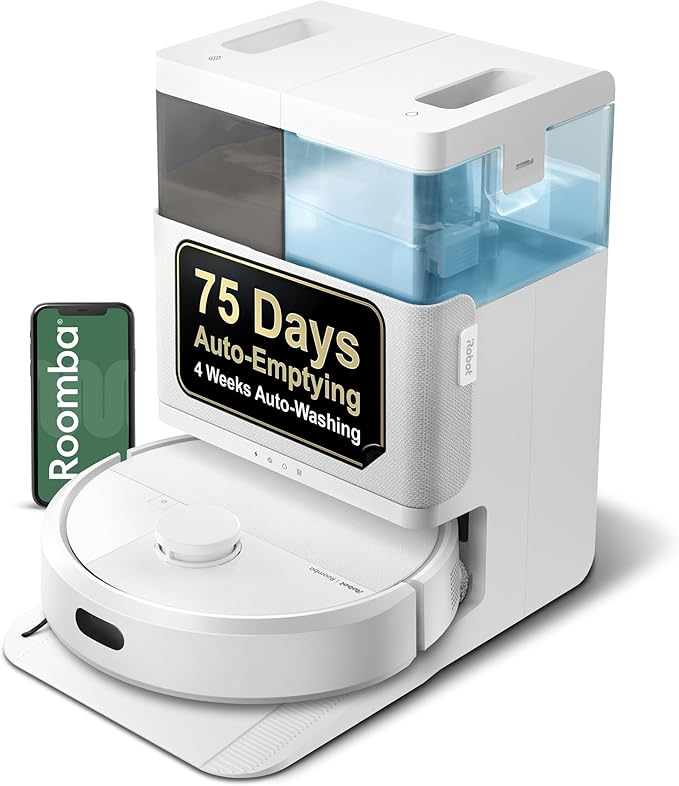
iRobot Roomba Plus 405 Combo robot + AutoWash dock (G185020)
iRobotGood starting point if you want to evaluate dock automation and hands-off routines.

If you’re comparing “robot vacuum and mop combo”, “best robot vacuum for pets”, or “robot mop with self-cleaning dock”, this page is built as a decision framework—so you can shortlist models without relying on hype.
Disclosure: this page contains sponsored affiliate links. Affiliate disclosure.
Not a ranking—just three featured models to anchor your comparison. Specs and box contents below are compiled from official manufacturer sources (January 2026).
Good starting point if you want to evaluate dock automation and hands-off routines.
A practical reference point if you’re weighing upkeep effort vs daily convenience.
A useful comparison point for mapping, zoning, and multi-floor or mixed-surface homes.
Tip: if you already own a robot, jump to the maintenance guide to keep performance consistent and reduce odors.
Floors: mostly hard floors, mostly carpet, or mixed? For mixed homes, prioritize strong mapping plus reliable “no-go zones”.
Hair & debris: pets, long hair, kids, crumbs? Look for brush designs that are easy to remove and clean (and check replacement part availability).
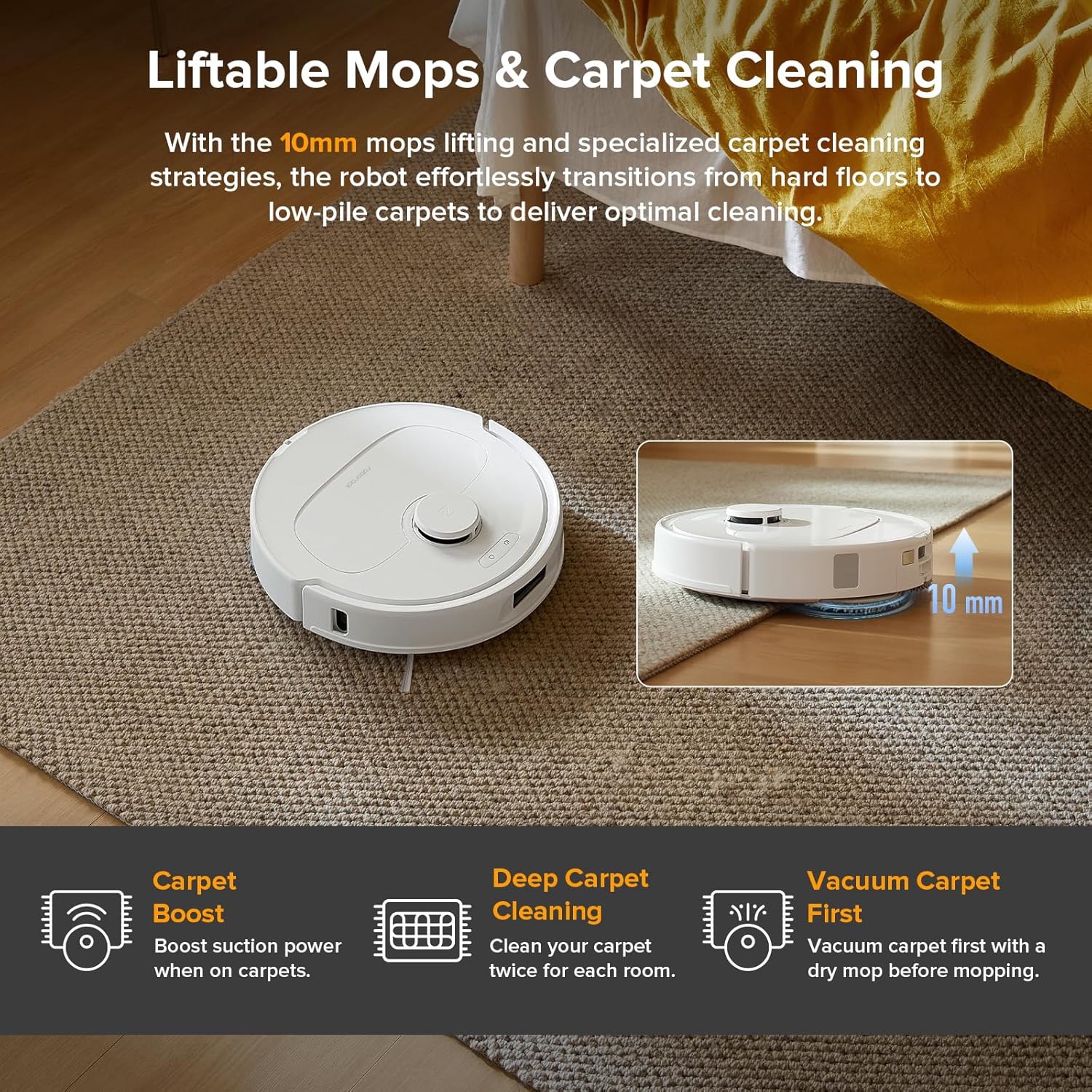
Real mopping needs: light daily maintenance vs sticky spills. If you expect true mopping, check the mop system type and whether the robot can avoid rugs while mopping.
Automation tolerance: are you OK emptying a bin and refilling a tank, or do you want a dock that reduces handling?
Noise & schedules: if you run it early/late, prioritize predictable scheduling and a quiet-enough dock routine for your space.
Product pages often mix marketing names with bundles that include different accessories. For this guide, we focus on what manufacturers publish (and what’s consistent across official docs) and compare models using the checklist below.
Edge cleaning: check for edge strategies (or accept that corners still need manual help).
We list specs and box contents based on official manufacturer sources as of January 2026. If a spec isn’t clearly published, we omit it instead of guessing.
Most “vacuum + mop” combos are designed for maintenance cleaning: dust, footprints, and light spills. If you need more than that, the mop system matters more than raw vacuum specs.
Docks can reduce daily work—but only if they match your routine. Before paying for “full automation”, decide what you’re willing to do weekly.
Robots perform best when airflow and brushes are clean. Treat maintenance like changing a car’s oil: small, regular tasks beat rare deep cleans.
Want the full routine? Use our maintenance guide.
Most robots rely on an app for mapping and schedules. Before committing, check what’s required to use core features.
Use this model as a reference if you’re comparing “dock convenience” and how much handling you want to avoid week to week.
| Robot dimensions | 14.1 × 13.8 × 4.2 in (manufacturer spec) |
|---|---|
| Robot weight | 9.06 lb (manufacturer spec) |
| Battery type | Lithium-ion (manufacturer spec) |
| Navigation | LiDAR-based mapping (ClearView), room mapping, zones |
| Cleaning modes | Vacuum / Mop / Both / Vacuum-then-mop (manufacturer feature list) |
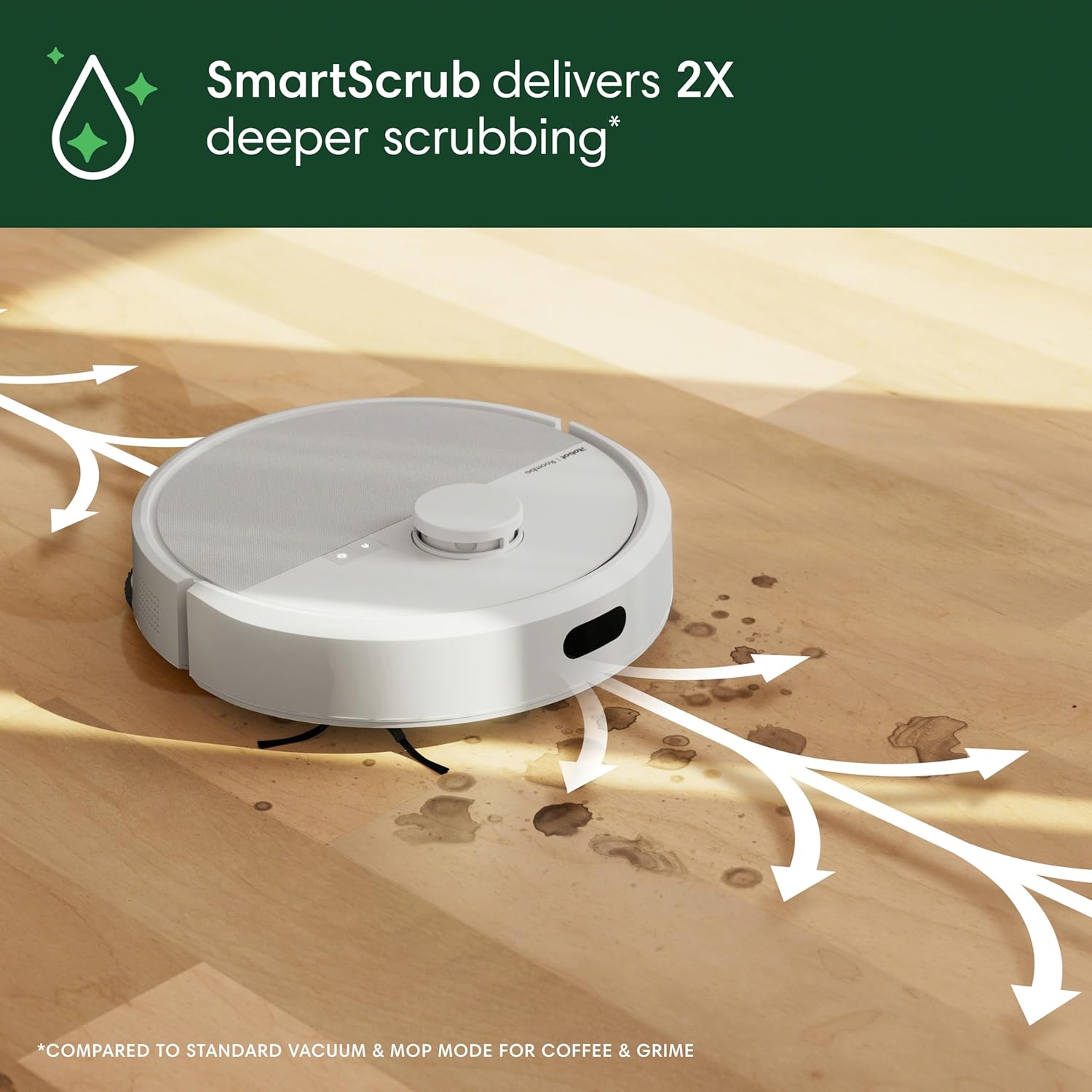
| Mopping | Spinning DualClean pads; SmartScrub-style deeper scrub mode (naming may vary) |
| Vacuum power | Marketed as “70× more intense suction” (manufacturer claim) |
| Maps | Up to 4 maps; mapping is marketed as ~9 minutes (manufacturer claim) |
| Connectivity | App scheduling; voice assistants supported (Alexa / Google / Siri per manufacturer) |
Specs and included accessories can vary by bundle or region. This snapshot reflects manufacturer-published info as of January 2026.
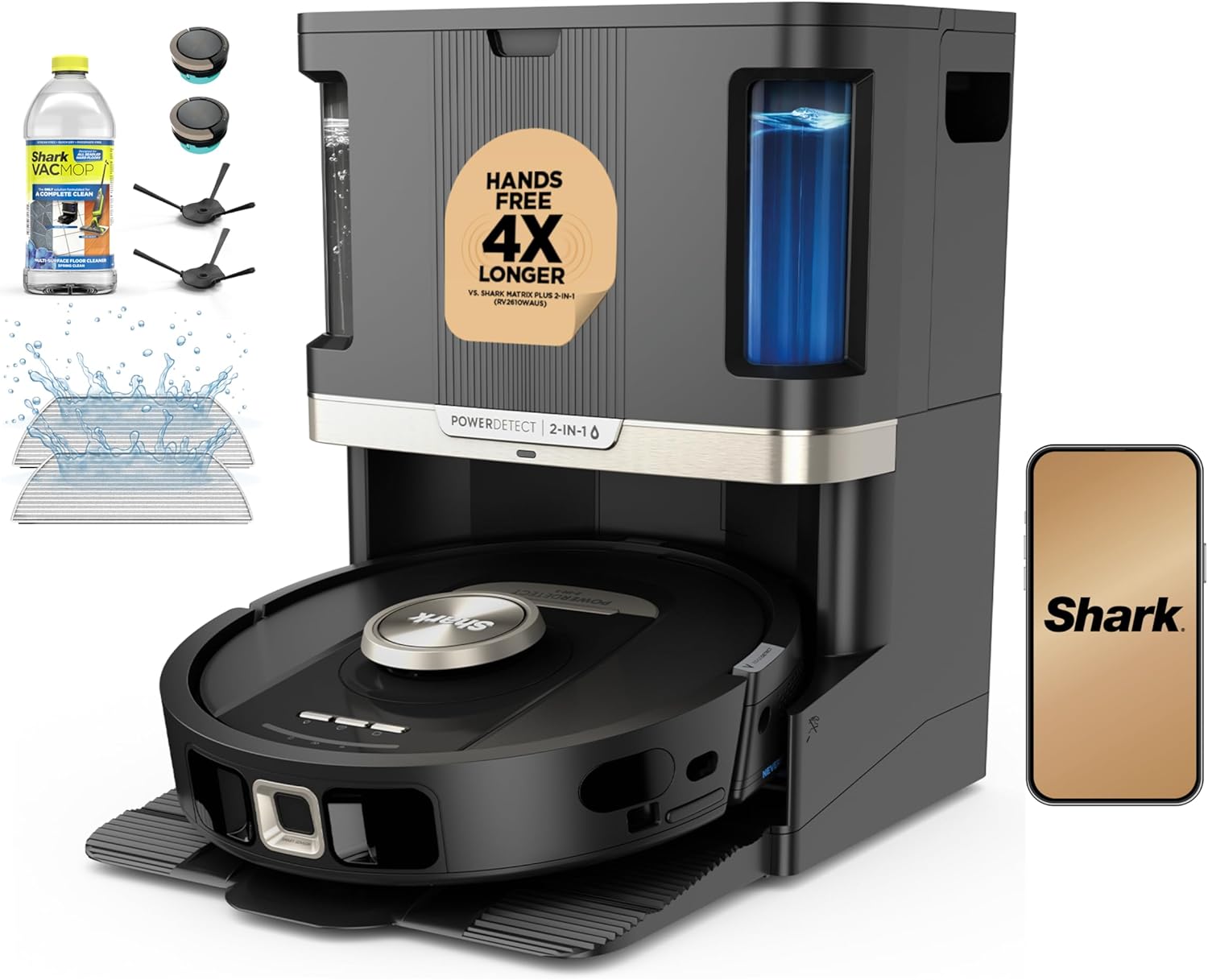
Use this model as a reference point when you’re optimizing for everyday practicality: cleaning frequency, brush care, and “good enough” mopping for maintenance.
| Model | AV2800ZE |
|---|---|
| Product dimensions | 18.8 in L × 14.33 in W × 17.56 in H (manufacturer spec) |
| Weight | 24.82 lbs (manufacturer spec) |
| Cleaning path width | 5.7 in (manufacturer spec) |
| Cord length | 6 ft (manufacturer spec) |
| Dust cup capacity | 0.3 qt (manufacturer spec) |
| Filter type | Washable fabric filter (pre motor) (manufacturer spec) |
| Warranty | 1 year (manufacturer spec) |
| Warranty on part | 2 years (manufacturer spec) |
| LED lights | Yes (manufacturer spec) |
| Batteries included | 1 (manufacturer spec) |
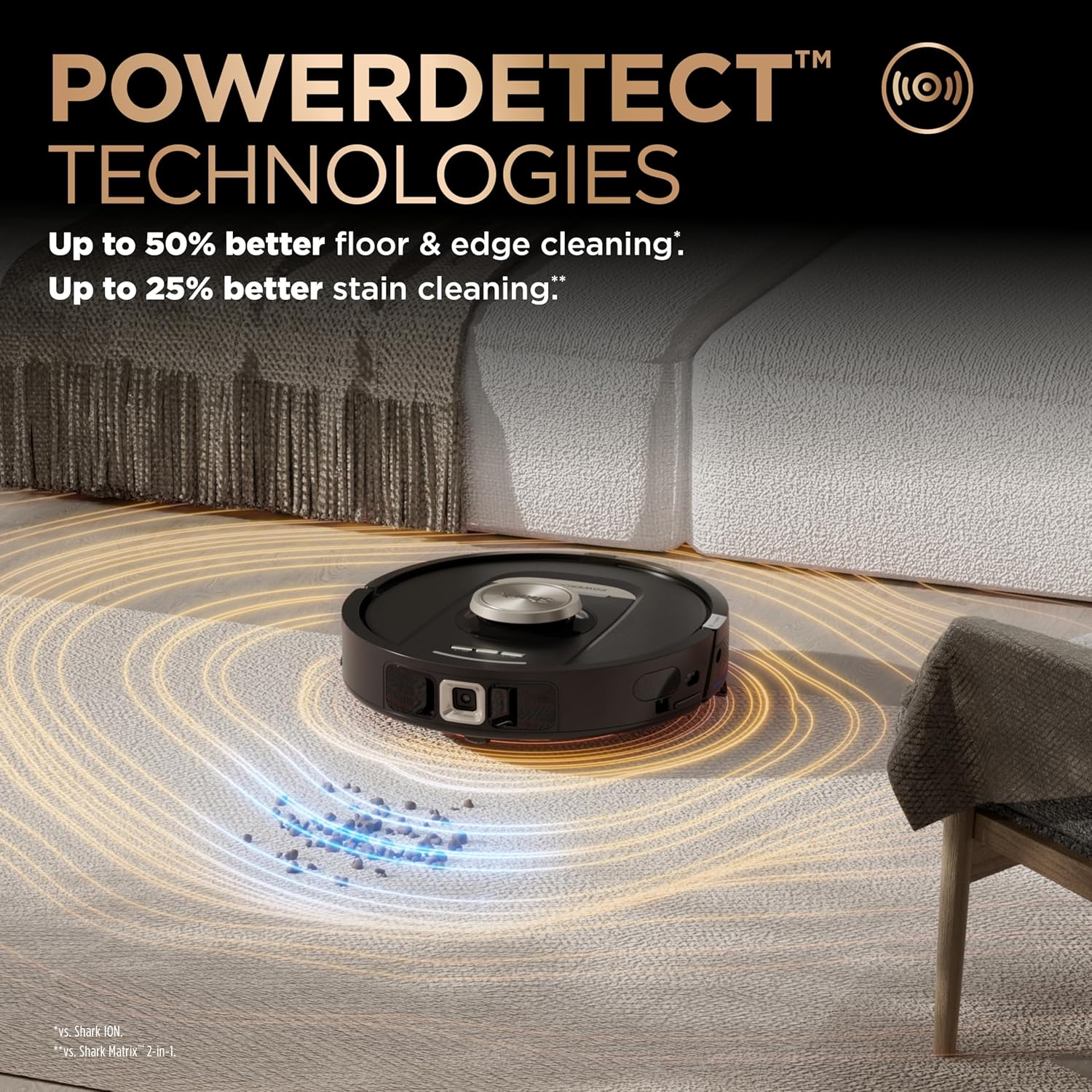
Spec labels may differ by region (e.g., “NeverTouch Pro”, “PowerDetect”). The values shown here come from the official product page/specs.
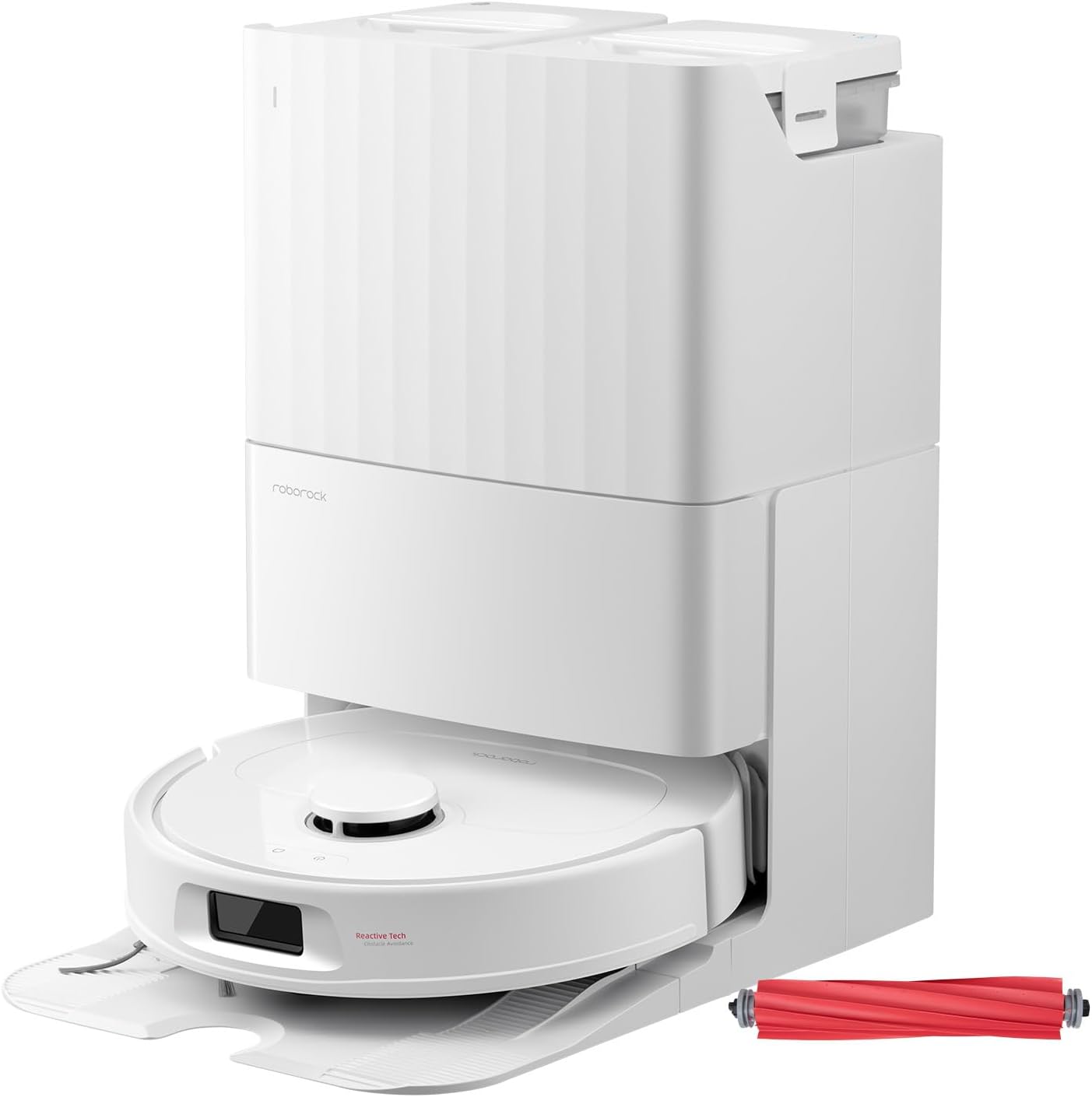
Use this model as a reference if your priority is mapping, zoning, and maintaining consistent runs across different rooms and surfaces.
| Robot dimensions | 13.78 × 13.9 × 3.80 in (manufacturer spec) |
|---|---|
| Robot weight | 25.57 ± 0.66 lbs (manufacturer spec) |
| Suction | 8000 Pa (manufacturer claim) |
| Mopping | Dual spinning mops; up to 200 RPM max speed (manufacturer claim) |
| Navigation | PreciSense LiDAR (360° scan) + Reactive Tech obstacle avoidance |
| Battery | 5200 mAh lithium (manufacturer spec) |
| Onboard dustbin | 330 ml (manufacturer spec) |
| Wi‑Fi | 2.4 GHz only (manufacturer note) |
| Threshold crossing | Up to 2 cm (manufacturer claim) |
Specs and included items are pulled from the official product page as of January 2026.
Not entirely. They reduce day-to-day dust and hair, but most homes still need occasional deep vacuuming, especially on carpets and corners.
For many homes, it’s maintenance-level mopping. For sticky spills, you’ll still want occasional manual mopping or a targeted spot-clean routine.
It depends on pets, hair, and frequency. Follow the manual first, then adjust based on visible buildup and airflow changes. Our maintenance guide includes a practical schedule.
Only if your manufacturer explicitly approves it. Otherwise, use clean water: many detergents can foam, leave residue, or clog pathways (and some can damage seals over time).
Use “no-mop” zones for rug areas, or run vacuum-only on carpet rooms. If your model supports it, enable mop lifting / carpet avoidance while mopping, and start with lower water output until you’re confident in the results.
Usually on sealed, water-safe floors. Avoid unsealed wood and water-sensitive surfaces. Keep pads clean, don’t leave wet pads sitting in place, and reduce water output if you see streaking or swelling.
Yes for many homes, but hair is the #1 reason brushes need attention. Run more frequent short cycles, remove hair from the main brush regularly, and plan for consumables like filters and pads.
Many robots need an app (and often an account) for mapping and schedules. If privacy matters, limit permissions, avoid voice assistants you don’t use, and consider a separate Wi‑Fi network for smart devices.
Treat it like a small appliance: quick wipe/rinse often, deeper cleaning occasionally. If you have dirty-water tanks or mop trays, empty and rinse them the same day to reduce odors.
Odor usually comes from moisture sitting in pads, trays, or dirty-water tanks. Rinse pads, dry them fully, and keep dock trays and tanks clean.